
用网易云音乐api制作一个音乐播放器
·
话不多说贴代码:
<html>
<head>
    <meta http-equiv="Content-Type" content="text/html; charset=UTF-8">
    <script src="https://cdn.staticfile.org/jquery/2.2.4/jquery.min.js"></script>
</head>
<body>
    <div style="position:fixed;top:20px;">
    <input id="input">
    <button onclick="searchSong()">搜索</button>
    </div>
    <div style="position:fixed;top:60px;">
    <img id="img" height="80px;">
    <audio id="audio" controls></audio>
    </div>
    <table id="result" style="position:absolute;top:160px;"></table>
    <script>
        // 获取输入框的元素
        var input = $("#input");

        // 获取音频元素
        var audio = $("#audio")[0];

        // 获取图片元素
        var img = $("#img")[0];

        // 定义一个函数,用于发送请求并处理响应
        function searchSong() {
            // 获取输入框的值
            var songName = input.val();

            // 拼接请求的URL
            var url = "http://127.0.0.1:3000/search?keywords=" + songName;

            // 发送GET请求
            $.get(url, function(data) {
                // 查找songs信息
                var songs = data.result.songs;

                // 创建一个表格
                var table = $("<table></table>");

                // 遍历songs数组,获取每个歌曲的id和name
                for (var i = 0; i < songs.length; i++) {
                    var id = songs[i].id;
                    var name = songs[i].name;

                    // 创建一行
                    var tr = $("<tr></tr>");

                    // 创建两列,分别显示id和name
                    var td1 = $("<td></td>").text(name);
                    var td2 = $("<td></td>").text(id);

                    // 创建一个按钮,用于播放该歌曲
                    var button = $("<button></button>").text("播放");
                    button.click(function() {
                        // 获取歌曲的id
                        var index = $(this).parent().parent().index();
                        var id = songs[index].id;

                        // 拼接请求的URL
                        var url = "http://127.0.0.1:3000/song/url?id=" + id;

                        // 发送GET请求
                        $.get(url, function(data) {
                            // 获取歌曲的URL
                            var songUrl = data.data[0].url;

                            // 设置音频元素的src属性
                            audio.src = songUrl;

                            // 播放音频
                            audio.play();
                        });


// 获取歌曲的id
var index = $(this).parent().parent().index();
var id = songs[index].id;

// 拼接请求的URL
var url = "http://127.0.0.1:3000/song/detail?ids=" + id;

// 发送GET请求
$.get(url, function(data) {
// 获取歌曲的封面链接
var picUrl = data.songs[0].al.picUrl;
img.src = picUrl
});
                    });

                    // 将按钮添加到第三列中
                    var td3 = $("<td></td>").append(button);

                    // 将三列添加到行中
                    tr.append(td1);
                    tr.append(td2);
                    tr.append(td3);

                    // 将行添加到表格中
                    table.append(tr);
                }

                // 将表格添加到页面上
                $("#result").html(table);
            });
        }

        // 给输入框绑定回车键事件,触发搜索函数
        input.on("keydown", function(event) {
            if (event.keyCode == 13) {
                searchSong();
            }
        });
    </script>
</body>
</html>代码中的http://127.0.0.1:3000链接是网易云音乐api 可以本地部署
网易云音乐api项目地址:https://github.com/Binaryify/NeteaseCloudMusicApi
部署方法项目中有介绍 就不”赘婿“了
演示效果:
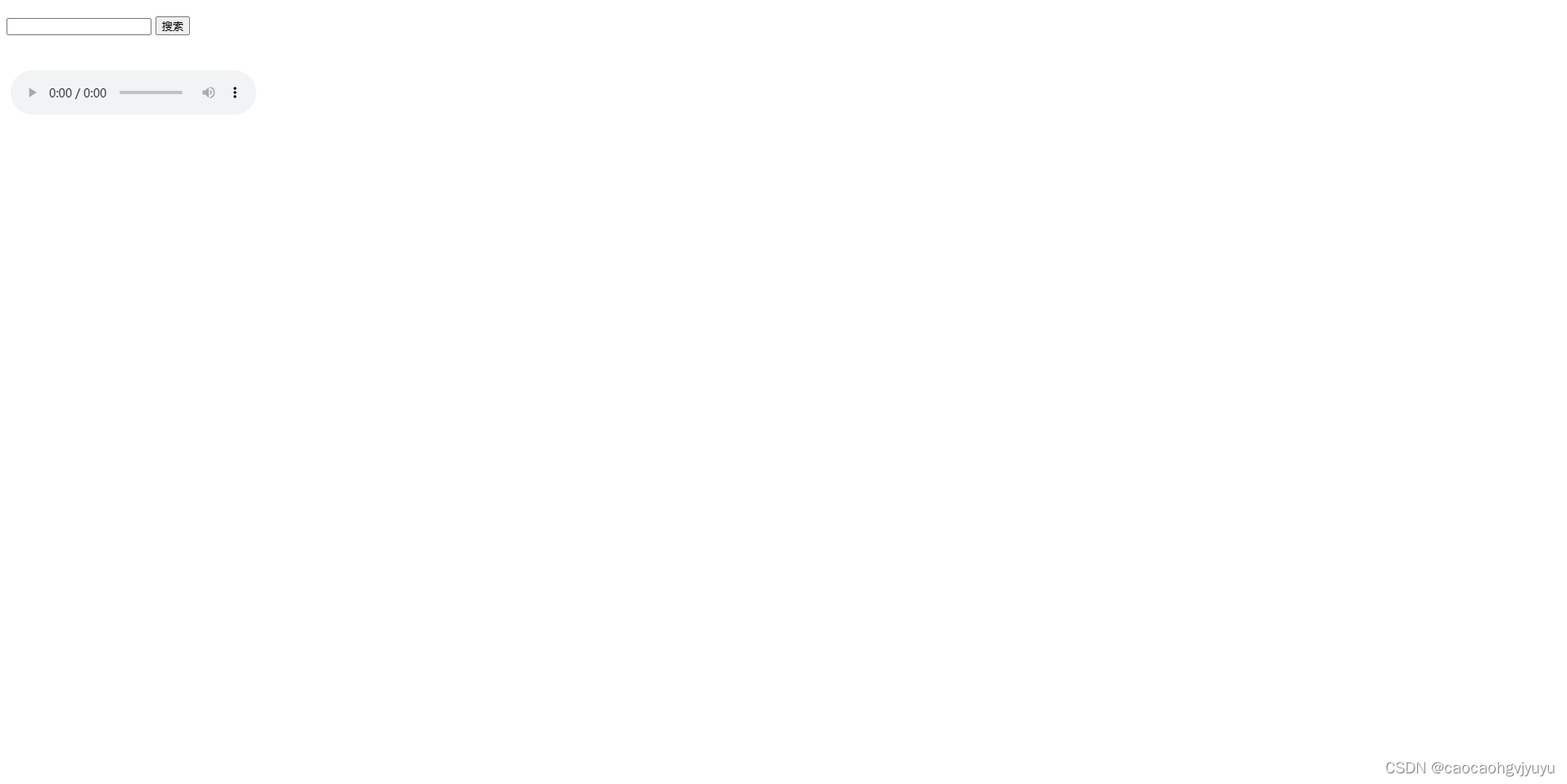
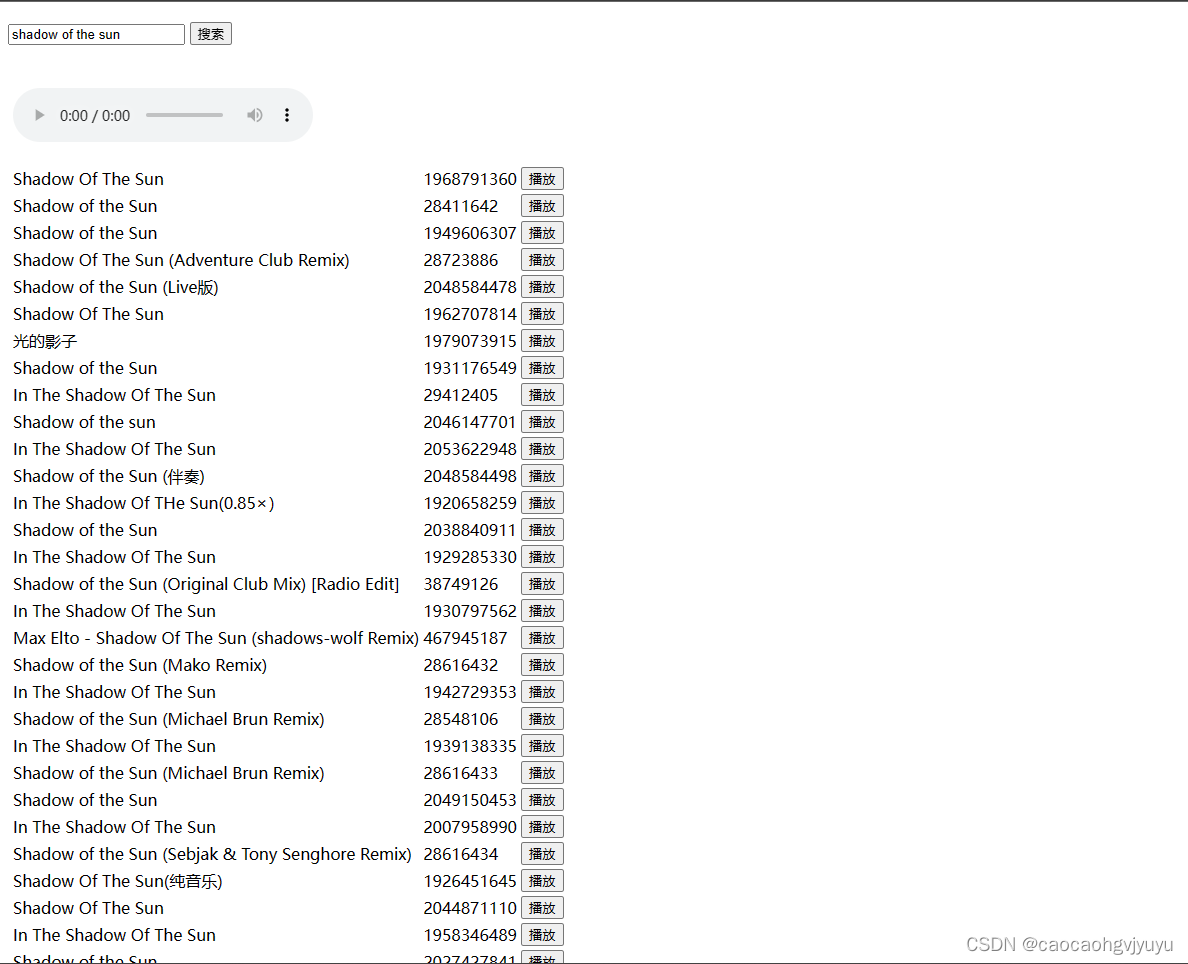
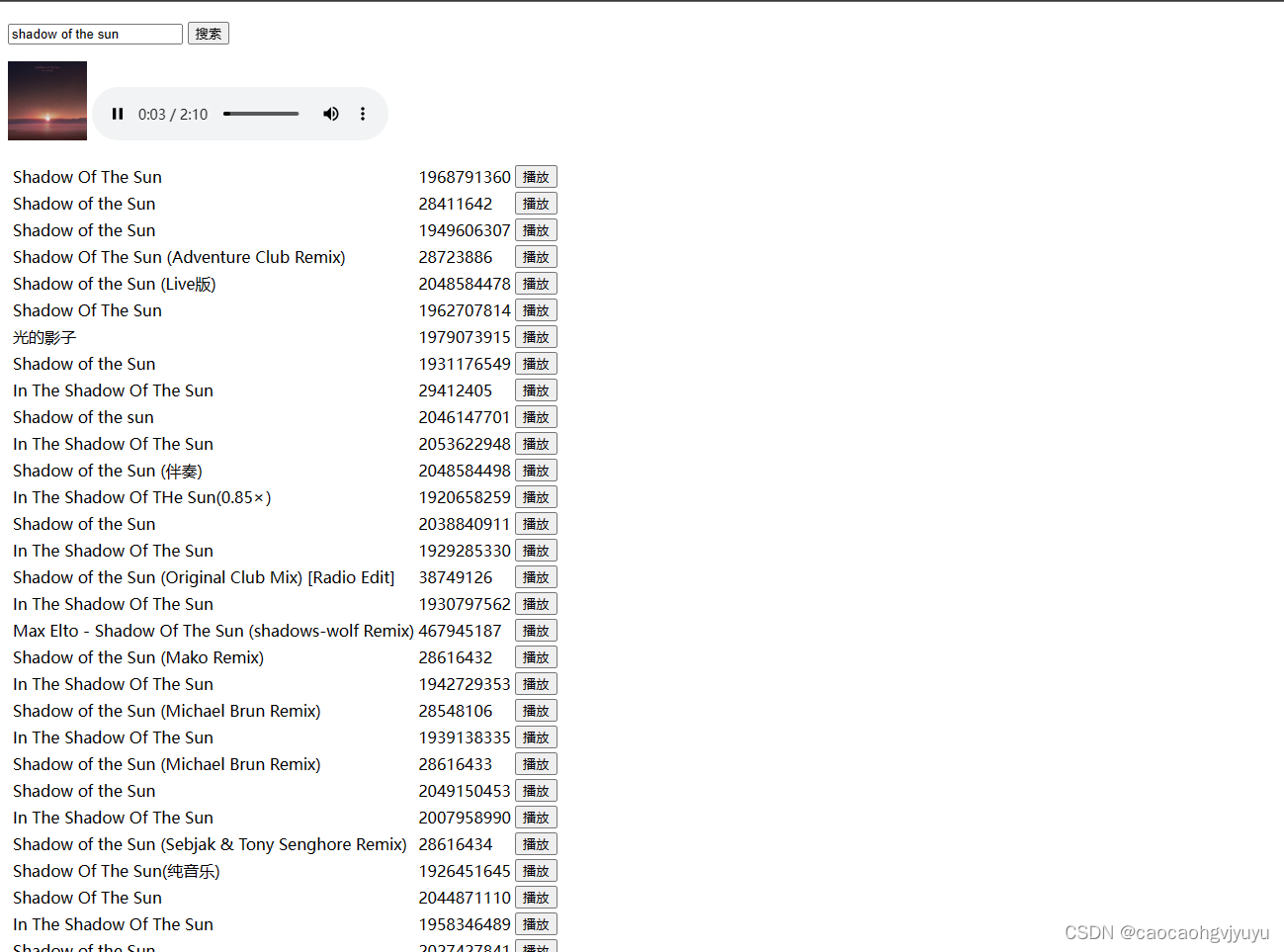
没有专门写css优化界面有些简陋
这是我在csdn写的第一份代码 如今虚岁十二

加入社区!打开量化的大门,首批课程上线啦!
更多推荐

 0
0 0
0- 0


 已为社区贡献1条内容

所有评论(0)