
linux下用python写简单的爬虫程序
·
linux下用python写简单的爬虫程序
简述下这个爬虫程序的基本原理:
-
HTTP请求
通过起始url获得页面内容 -
正则表达式
通过正则表达式获取想要的信息 -
获取到本地
http请求
geturl.py
#coding=utf-8
import urllib

def getHtml(url):
    page = urllib.urlopen(url)
    html = page.read()
    return html

html = getHtml("http://tieba.baidu.com/p/2738151262")

print html
新建一个geturl.py,在里面定义一个getHtml()函数获取网页内容。
正则表达式
**通过正则表达式获取你所想要的内容:
import re
import urllib

def getHtml(url):
    page = urllib.urlopen(url)
    html = page.read()
    return html

def getImg(html):
    reg = r'src="(.+?\.jpg)" pic_ext'
    imgre = re.compile(reg)
    imglist = re.findall(imgre,html)
    return imglist

html = getHtml("http://tieba.baidu.com/p/2460150866")
print getImg(html)
正则表达式:
** 可选项
在子模式后面加上问号,它就变成了可选项。它可能出现在匹配字符串,但并非必须的。
r’(heep://)?(www.)?python.org’
只能匹配下列字符:
‘www.python.org’
‘python.org’
** 重复子模式
(pattern)* : 允许模式重复0次或多次
(pattern)+ : 允许模式重复1次或多次
(pattern){m,n} : 允许模式重复m~ n 次
我们又创建了getImg()函数,用于在获取的整个页面 中筛选需要的图片连接。re模块主要包含了正则表达式:
re.compile() 可以把正则表达式编译成一个正则表达式对象.
re.findall() 方法读取html 中包含 imgre(正则表达式)的数据。
获取图片url效果图:
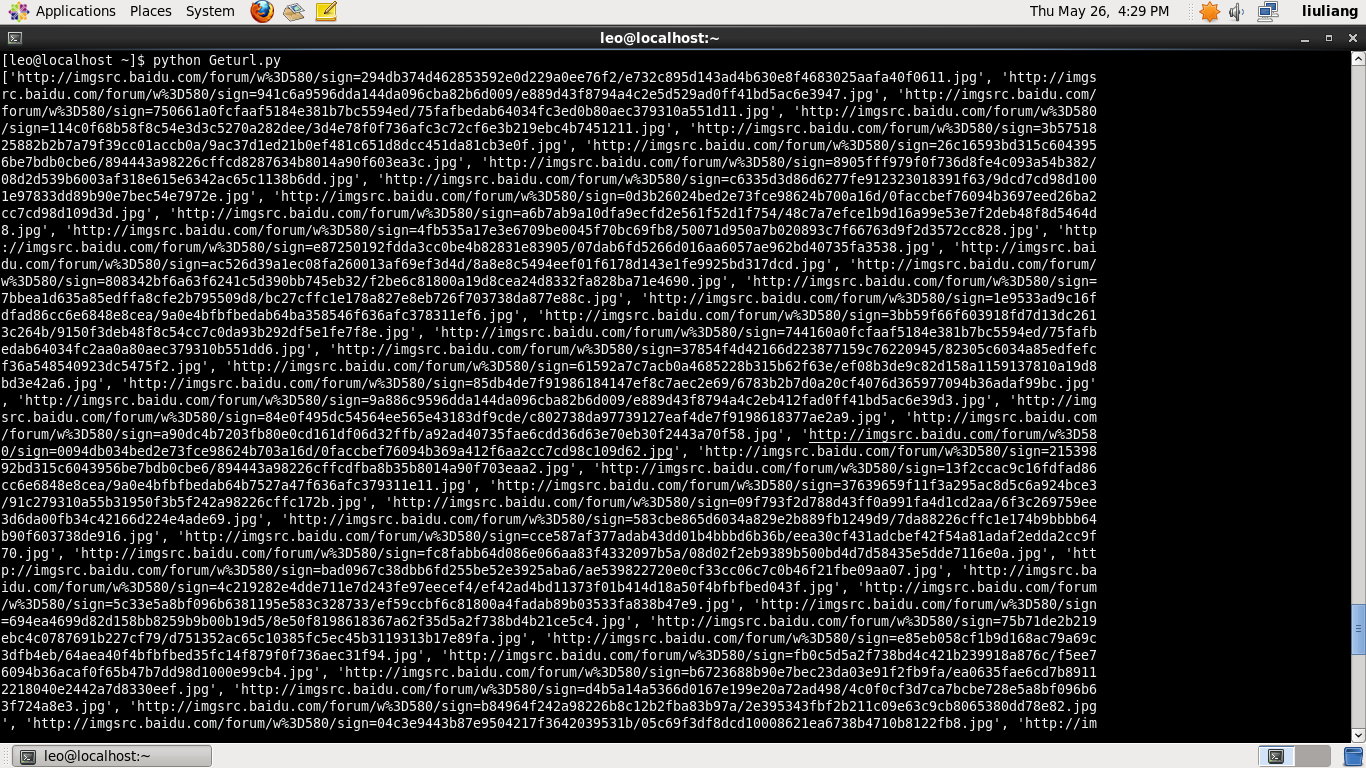
将图片保存到本地
这里主要运用了urllib.urlretrieve()方法,将远程数据下载到本地
利用for循环对图片进行遍历,并且对其重命名1.
#coding=utf-8
import urllib
import re

def getHtml(url):
    page = urllib.urlopen(url)
    html = page.read()
    return html

def getImg(html):
    reg = r'src="(.+?\.jpg)" pic_ext'
    imgre = re.compile(reg)
    imglist = re.findall(imgre,html)
    x = 0
    for imgurl in imglist:
        urllib.urlretrieve(imgurl,'%s.jpg' % x)
        x+=1


html = getHtml("http://tieba.baidu.com/p/2460150866")

print getImg(html)
获取到的图片保存在默认的程序存放目录
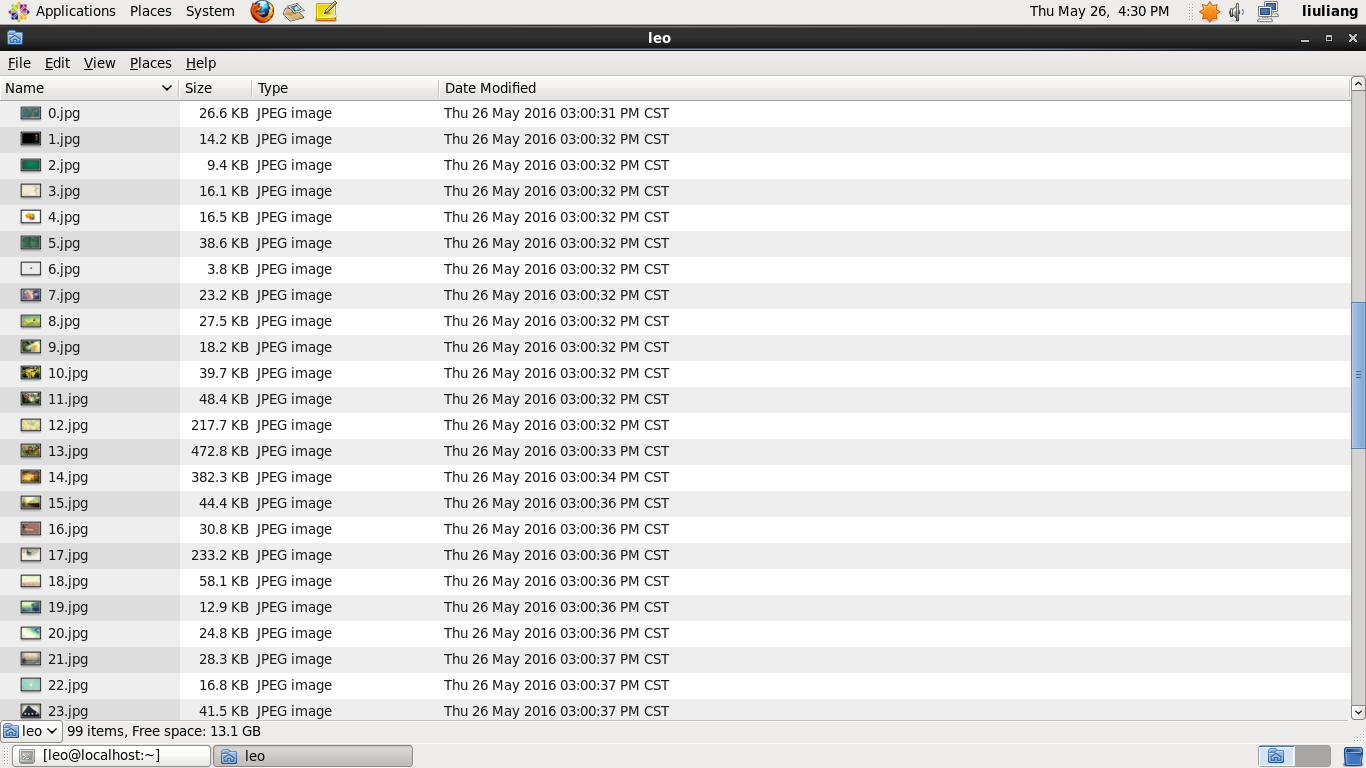
哈哈,简单python爬虫程序就到这里了。
- 这里是 脚注 的 内容. ↩

加入社区!打开量化的大门,首批课程上线啦!
更多推荐

 2
2 0
0- 0


 已为社区贡献1条内容

所有评论(0)