
关于Mac系统中无法正常使用tushare库的问题
在安装了tushare慕课后,可以使用下面的代码测试是否正常使用:
import tushare as ts

frame = ts.get_k_data('600339', start='2010-01-01', end='2020-10-31')
print(frame)
正常输出为:
date open close high low volume code
0 2010-01-04 8.512 8.867 8.994 8.403 322433.08 600339
1 2010-01-05 8.958 9.076 9.194 8.731 293774.40 600339
2 2010-01-06 9.003 9.158 9.558 8.940 288021.10 600339
3 2010-01-07 9.094 8.831 9.249 8.731 225370.71 600339
4 2010-01-08 8.740 9.440 9.594 8.731 334518.22 600339
... ... ... ... ... ... ... ...
2465 2020-10-26 2.924 2.864 2.934 2.854 186110.00 600339
2466 2020-10-27 2.864 2.834 2.864 2.804 137494.00 600339
2467 2020-10-28 2.834 2.854 2.874 2.804 151535.00 600339
2468 2020-10-29 2.804 2.864 2.884 2.804 159716.00 600339
2469 2020-10-30 2.864 2.704 2.874 2.704 385741.00 600339
在部分Mac系统中可能会出现下面的问题:
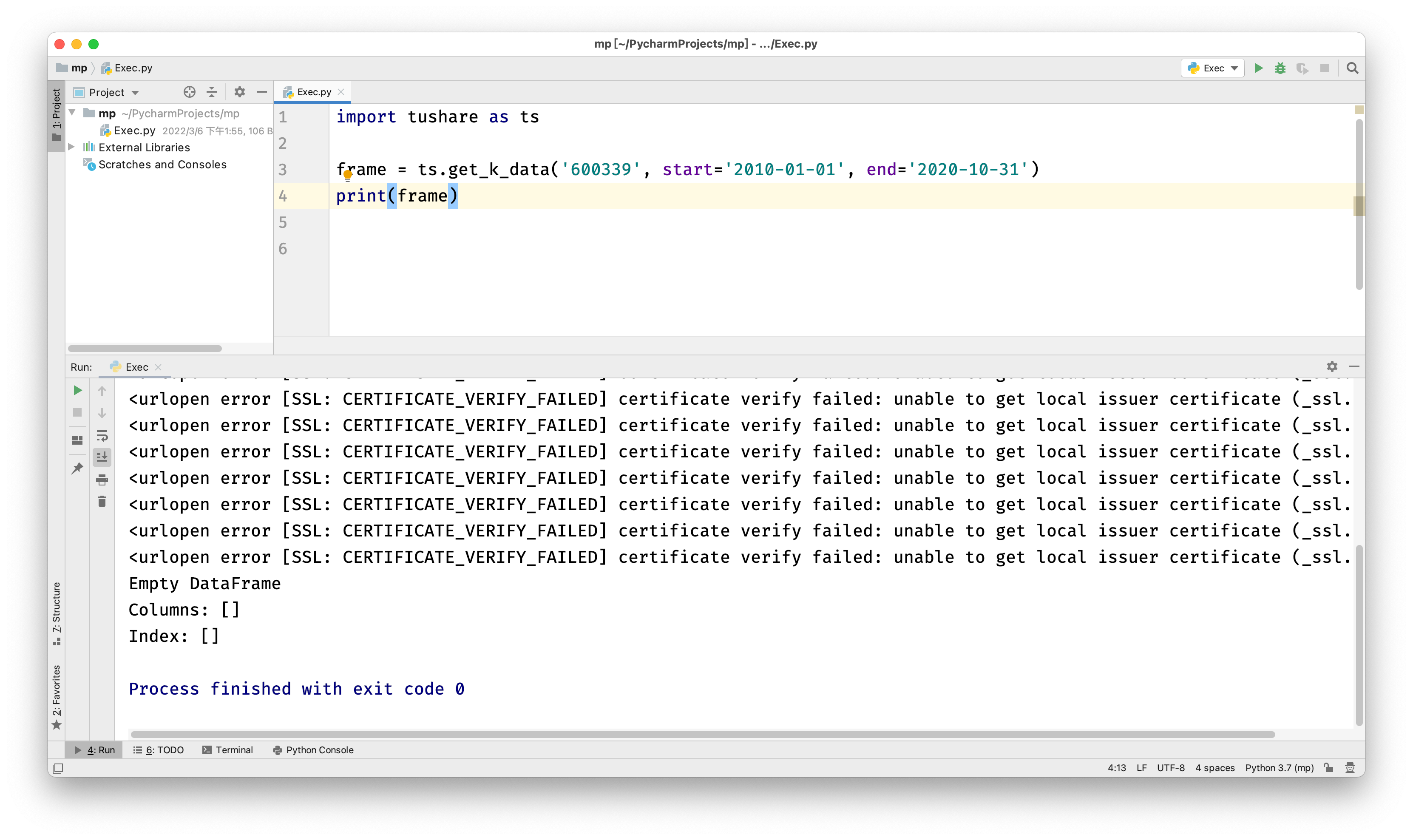
错误信息为“urlopen error [SSL: CERTIFICATE_VERIFY_FAILED]”,主要原因是 部分版本的Python在访问网络资源时会对https请求验证SSL证书,当目标使用的是自签名的证书时就会出现该错误消息,因此可以取消改设置。
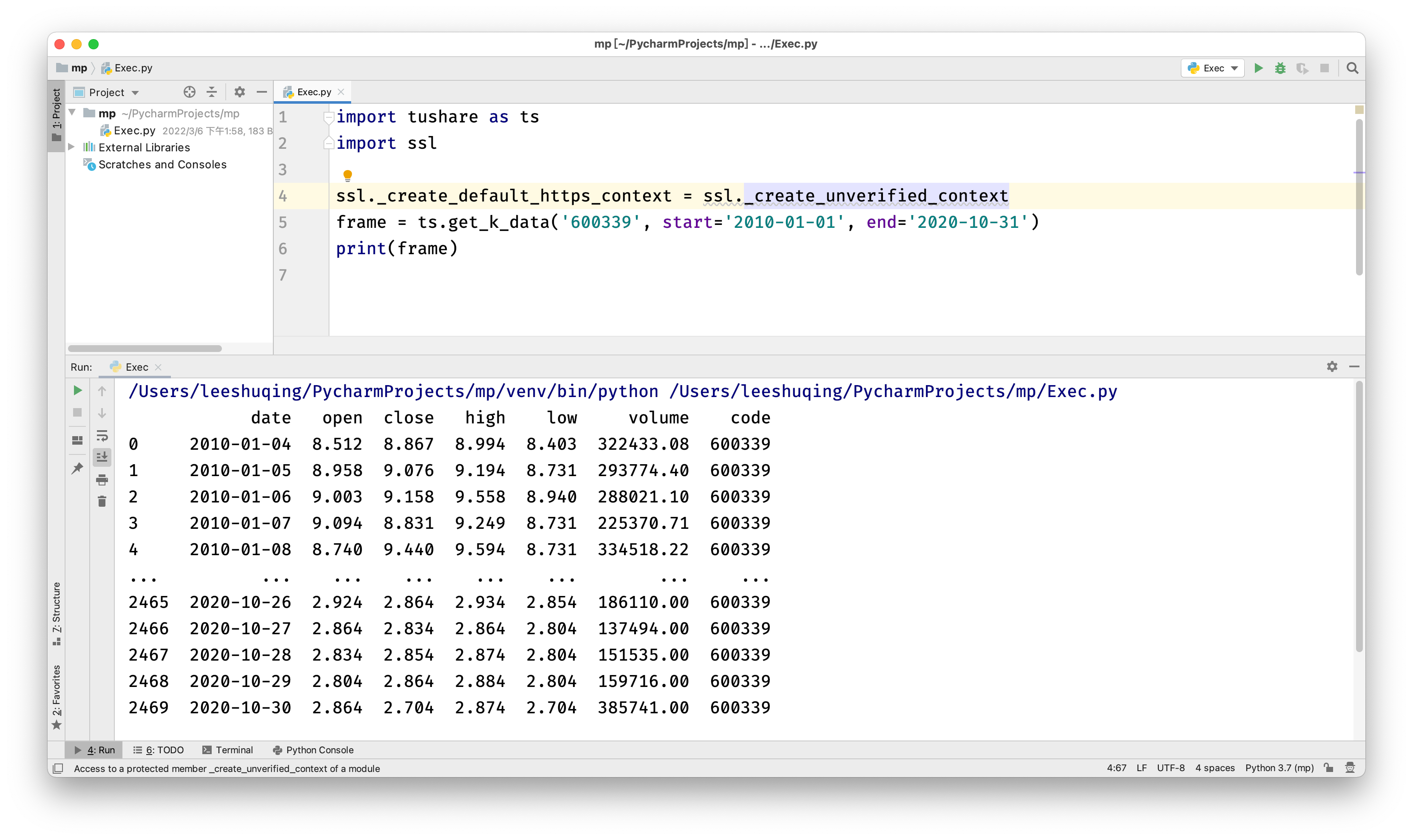
如果是这种错误,可以在代码中增加下必要的语句:
import tushare as ts
import ssl

ssl._create_default_https_context = ssl._create_unverified_context
frame = ts.get_k_data('600339', start='2010-01-01', end='2020-10-31')
print(frame)

加入社区!打开量化的大门,首批课程上线啦!
更多推荐

 0
0 0
0- 0


 已为社区贡献1条内容

所有评论(0)